




Ground-Loop Hum/Buzz/Whine in Audio Systems Caused by Unbalanced Cables and Noise Currents
Summary:
Ground-loop hum, buzz, or whine in audio systems is a common issue caused by unbalanced cables and noise currents. This problem arises when noise flows through the ground and shield paths of the cables, resulting in interference. It can affect various setups, including car audio systems, home theaters, and turntables. The issue is primarily caused by improper grounding and can be addressed using balanced connections, isolation transformers, and better system grounding practices.
Author: Lynn Zhang, CEO at Jingyi Audio
Last Updated: March 2026
What Is Ground-Loop Noise and Why Does It Happen?
Ground-loop hum and buzz are common problems in audio systems that use unbalanced cables (such as RCA or 3.5mm). These issues are typically caused by ground loops, which occur when multiple devices are grounded through different electrical paths, causing unwanted currents to flow through the shield and ground of the cables, leading to audible interference.
How Ground Loops Form
Ground loops occur when two devices in an audio chain are connected through multiple ground paths. These paths allow small voltage differences between the devices to flow through the signal ground, causing hum or buzz in the audio output.
In audio systems with unbalanced cables, this problem is especially prevalent because the ground and signal share the same wire.
Why Does My Audio System Hum When Using Unbalanced Cables?
Unbalanced cables are more vulnerable to interference because they use a single wire for both signal and ground. Unlike balanced cables, which use separate wires for the signal and ground (and cancel out noise), unbalanced cables combine the two, making them more susceptible to "common-mode" noise.
Key Causes Include:
-
Multiple Grounding Paths: Devices connected to different power sources or outlets may create ground potential differences that lead to noise.
-
External Electrical Interference: Devices like computers, power supplies, or fluorescent lights can emit electromagnetic interference (EMI), which affects unbalanced audio systems.
-
Improper Grounding: A poorly implemented or absent grounding system creates a path for noise currents to interfere with the signal.
How to Diagnose Ground Loop Noise
Step 1: Isolate the Devices
To diagnose ground loop noise, start by isolating your devices. Disconnect them and check for hum. If the hum stops when disconnected, it’s likely caused by a ground loop.
Step 2: Test the Power Sources
Ensure that all devices in your audio setup are connected to the same power source. Devices powered by different circuits may create ground potential differences, causing noise.
Step 3: Check the Signal Path
The signal path should be checked to ensure that there aren’t multiple ground paths through unbalanced cables. Make sure that no two devices share the same ground connection, as this can introduce noise.
Unbalanced vs. Balanced Audio Connections
Unbalanced audio connections are more prone to noise because they use the same wire for both the signal and the ground. On the other hand, balanced connections (like XLR or TRS) use separate wires for signal and ground, which helps reject noise.
Balanced Connections:
Balanced cables use two wires to carry the audio signal (positive and negative signals), with a third wire for ground. This configuration helps to reject any noise introduced into the system, significantly reducing hum and buzz.
Unbalanced Connections:
Unbalanced cables combine the signal and the ground into one path, which means any ground potential difference between devices can directly affect the signal. These connections are more vulnerable to interference, which can result in hum or buzz in the audio output.
How to Fix Ground Loop Noise
There are a few solutions to ground loop noise, depending on the system and the severity of the interference.
1. Use Balanced Connections
The most effective solution is to replace unbalanced cables with balanced connections where possible. XLR or TRS cables will prevent ground loop noise by using separate signal and ground paths, thereby eliminating the problem.
2. Implement Isolation Transformers
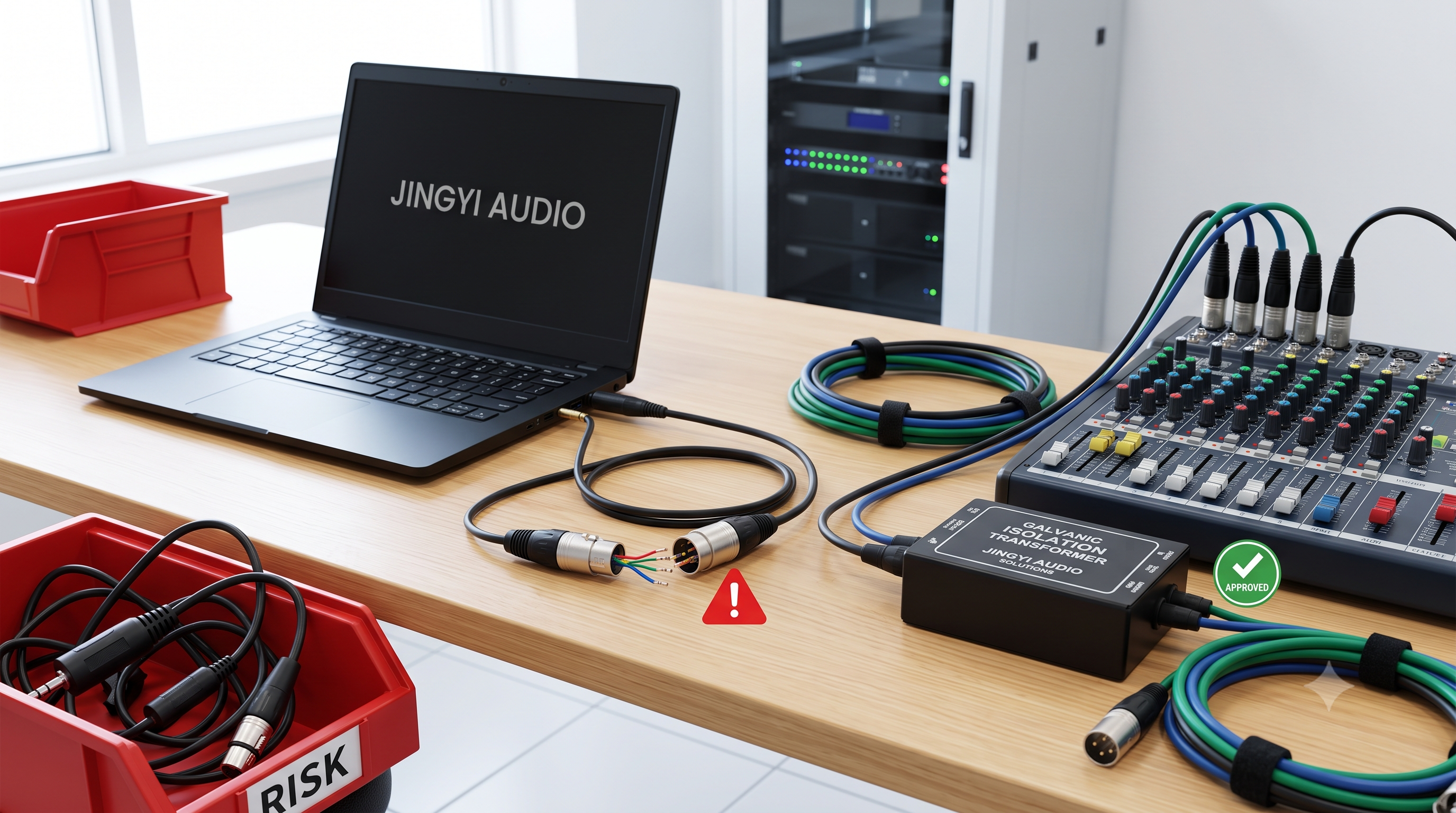
If balanced connections are not an option, using an isolation transformer (DI Box or Line Isolator) can help by breaking the unwanted ground loop path without disrupting the signal. These devices use transformers to isolate the ground paths and prevent the noise from reaching the audio system.
3. Improve System Grounding
In some cases, improving the grounding of the system itself may help. Proper grounding involves ensuring that all devices are grounded to a single point and that the ground path is as short as possible. This can reduce the potential for ground loops and minimize noise interference.
4. Use Ground Loop Isolators
Ground loop isolators are affordable devices that can be inserted into the signal path to help eliminate hum and buzz caused by ground loop differences. These devices can be particularly useful for car audio systems or PC monitor setups, where the noise is often caused by alternator whine or other electrical interference.
Common Ground-Loop Issues and Fixes
"My New Monitor Makes My Loudspeakers Hum. Possible Ground Loop?"
When using a PC monitor connected via 3.5mm to RCA cables, many users experience a hum. The likely culprit is a ground loop caused by the HDMI connection introducing noise into the ground path. To solve this issue, consider using balanced connections if possible or implement a line isolator between the monitor and speakers.
"What Could Be Causing This and How Can I Fix It?"
Headphones humming when powered by certain monitors could indicate electromagnetic interference (EMI), which is a form of ground loop. The hum can be triggered by touching metal near the DisplayPort area, which may act as an antenna for EMI. The best solution would be to switch to digital audio output or use a ground loop isolator to eliminate the hum.
"Classic Earth Loop Buzz, But Where and How?"
In home theater setups, buzz from HDMI to RCA connections is common. The ground loop forms between the devices connected via HDMI and RCA, with the interference manifesting as an audible hum. Removing earth pins is not a recommended solution due to safety concerns. Instead, use isolators or balanced cables to address this issue.
"Hum on One Side?"
Turntable setups often suffer from one-sided hum when RCA cables are improperly connected or the ground wire isn’t secured. In this case, check the integrity of the turntable’s grounding system, and replace the RCA cables with better-shielded ones if necessary.
Jingyi Audio Case Study: Tackling Ground-Loop Hum in Professional Audio Systems
At Jingyi Audio, we’ve faced a wide variety of ground loop issues while working with both OEM and ODM customers across various audio setups. A key case involved a high-end home theater system where the customer reported a loud buzzing noise when the system was powered on. Despite using high-quality cables, the issue persisted. Upon inspection, we discovered that multiple devices were plugged into different power sources, leading to ground potential differences that caused the hum.
By recommending the use of balanced cables and introducing line isolators, we were able to eliminate the noise completely. Additionally, we helped the customer optimize their system grounding by connecting all devices to the same power strip, ensuring there was a single grounding point. This experience reinforced the importance of proper grounding and the power of balanced connections in delivering clear, interference-free sound.
Expert Insight
As an engineer with years of experience troubleshooting ground loop issues in various audio setups, I've found that proper system topology is key. In my own studio, grounding everything from a single power source and using balanced connections for sensitive equipment made a world of difference in eliminating hum and buzz from the signal path. Understanding the root cause of ground loops and how they interact with unbalanced cables is essential to achieving clear, interference-free sound.
Key Takeaways
-
Ground loops cause hum, buzz, and whine in audio systems, often due to unbalanced cables.
-
Use balanced connections or isolation transformers to prevent ground loop issues.
-
Ensure all equipment is properly grounded to avoid potential interference.
-
Ground loop isolators can provide a quick, cost-effective fix but might not always solve the root cause.